Clear answers. Human backup.
AI answers from your docs. Your team handles the rest, in one shared inbox.
Now in an invite-only beta.

The right answer. The right next step.
Answers link to your documentation. When the answer is missing, the conversation goes to your team.
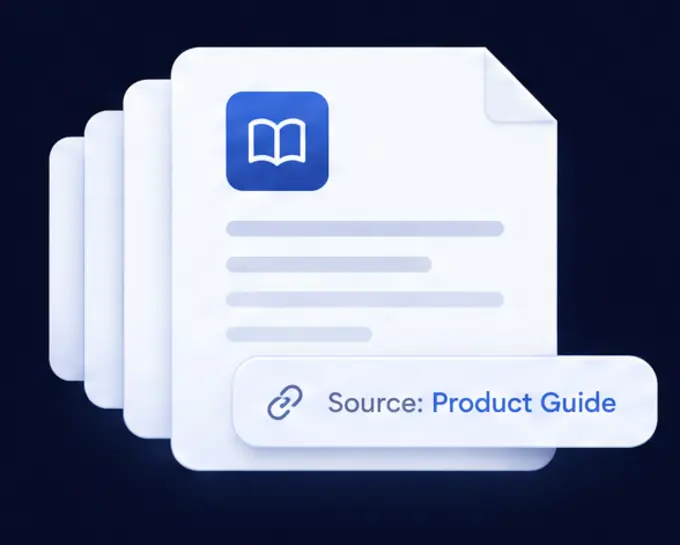
Answers from your docs
The chat answers from your own documentation and links the pages it used. When your docs don't say, it hands the question to your team instead of guessing.
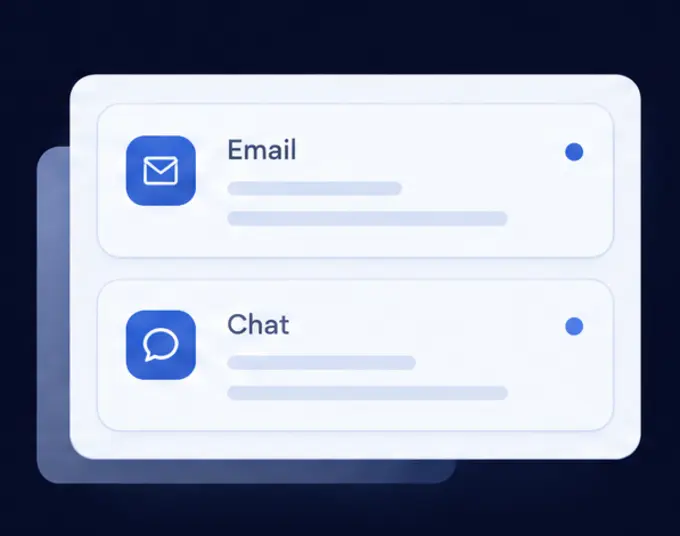
Email and chat together
Forward your support address. Emails and chat hand-offs land in one inbox, with a suggested reply wherever your docs cover the question.
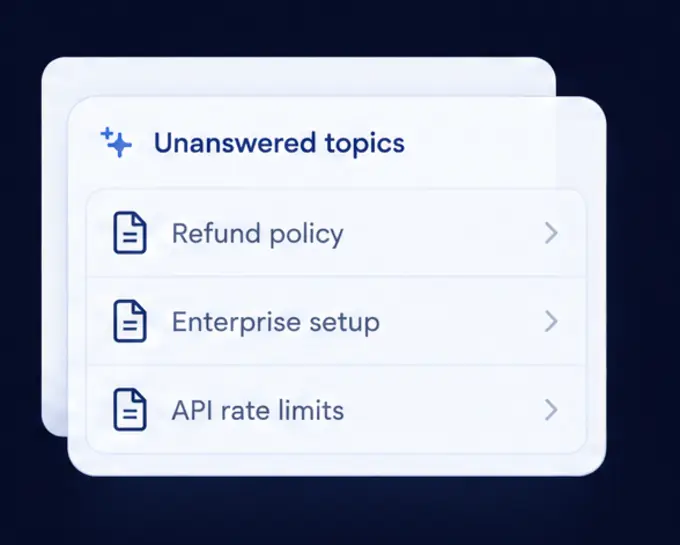
Find the gaps
See what customers ask that your docs don't answer, with a drafted article for each gap that uses only what your docs already say.
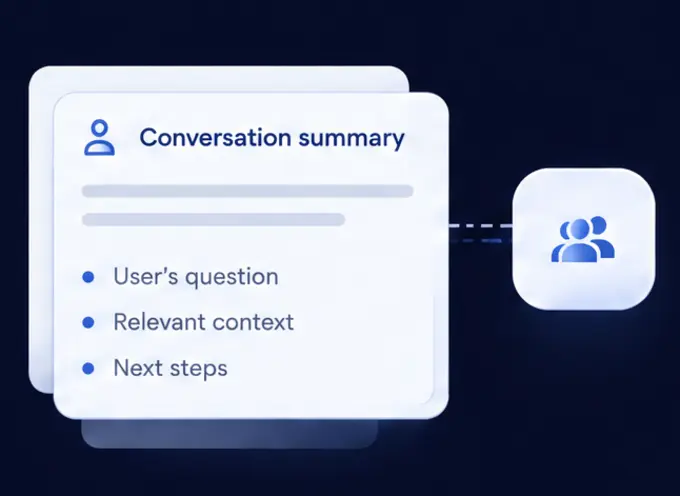
Hand over with context
When a person is needed, your team gets the whole conversation: the question, what the chat already said and who is asking.
- Knows who's askingSigned-in customers keep one conversation on every device. Turn on memory and the chat picks up from what they asked before.
- Reads screenshotsTurn it on and the AI reads the picture a customer sends, in chat or email, and answers from what it shows.
- Guides longer requestsWrite the steps for a request that takes a few turns, and the chat follows them with the customer.
- Reads your own recordsConnect a read-only API, or Freemius, and the chat can answer a signed-in customer about their own order or licence.
- Switch without losing your historyMoving from Help Scout or Intercom? Bring your conversations, notes, tags and saved replies over.
- Tested before customers see itSimulated customers try your chat against the pass marks you set, so you find out first.
- Safe by defaultCard numbers and secret keys are removed before anything is stored or sent to the AI. Every change your team makes is recorded.
- Works where you workOne script tag on your site, Slack notifications for your team, and answers in your customer's own language.
A calmer place to handle support.
Assign conversations, review suggested replies, and ask the AI beside you for a private note. When someone writes a good answer, one click turns it into a proposed article.
 Swaru
Help pages
A help centre that's really yours.
Publish once. Customers get your pages, your chat answers from them, and agents read the same words.
- Your look, your chatYour logo, your colour and one of three styles. Your chat is on every page, so nobody has to leave to ask.
- Pictures that stayPaste a picture into the editor. An import brings your old help centre's pictures over, so closing it breaks nothing.
- Write it your wayA visual editor and Markdown for the same article, with callouts, steps, tabs and collapsible sections.
- Other languagesChoose up to five. The AI drafts each translation, and nothing shows until someone publishes it.
- For your customers onlyKeep an article for people who sign in, through your own site or with a password you share.
- Your own addressShow your pages at help.yourcompany.com, and old links go to the same articles. On request during the beta.
Staying right
Docs that keep up with your product.
Your code and your readers show you what has changed. A person decides what goes live.
Edits from your code
When a pull request merges or a release goes out, the AI proposes edits to the articles it touches. Nothing changes until someone accepts one.
What people couldn't find
See what's read, what's searched for and what's rated down. These are counts: no cookies, and nobody is tracked.
What needs a look
Broken links, old articles and pictures with no words, listed before a customer finds them.
Knowledge base
One set of articles, for your team and your agents.
Your chat answers from what you publish, and any agent you connect reads the same articles.
- Bring your help centre overImport from Help Scout, Zendesk, Intercom, your docs site or a folder of files. Everything lands as a draft, so nothing changes until you publish.
- Connect your agentsWith your public help pages on, anything that speaks MCP can search and read your published articles. Tools that sign in need an admin's approval first.
- Agents suggest, people publishAgents can propose an edit or report a gap. It waits for review, and only someone on your team can publish it.
- Try it firstSend the agent a pretend request and see what it would do, before a customer does. Nothing is sent and nothing is kept.
Setup
Start with what you already know.
- 1
Connect your docs
docs.yourcompany.comUse your docs site, or import your old help centre. The chat keeps up as your docs change.
- 2
Add your chat
Add the widget to your site with one line. It appears on the pages you choose.
- 3
Forward your email
Bring email into the same inbox, with a suggested reply when your docs cover the question.
Simple plans. Room for your team.
Flat monthly plans.
- No per-seat fees.
- No per-answer charges.
A clear boundary for AI.
- Answers grounded in your docs.
- A human when the answer is missing.
Invite-only beta. Plan allowances apply.

Clearer answers
start here.
Give customers a clear answer, and your team a clear next step.
Request an invite